
THE PRODUCT EXPERIENCE
Network operations,
made visible.
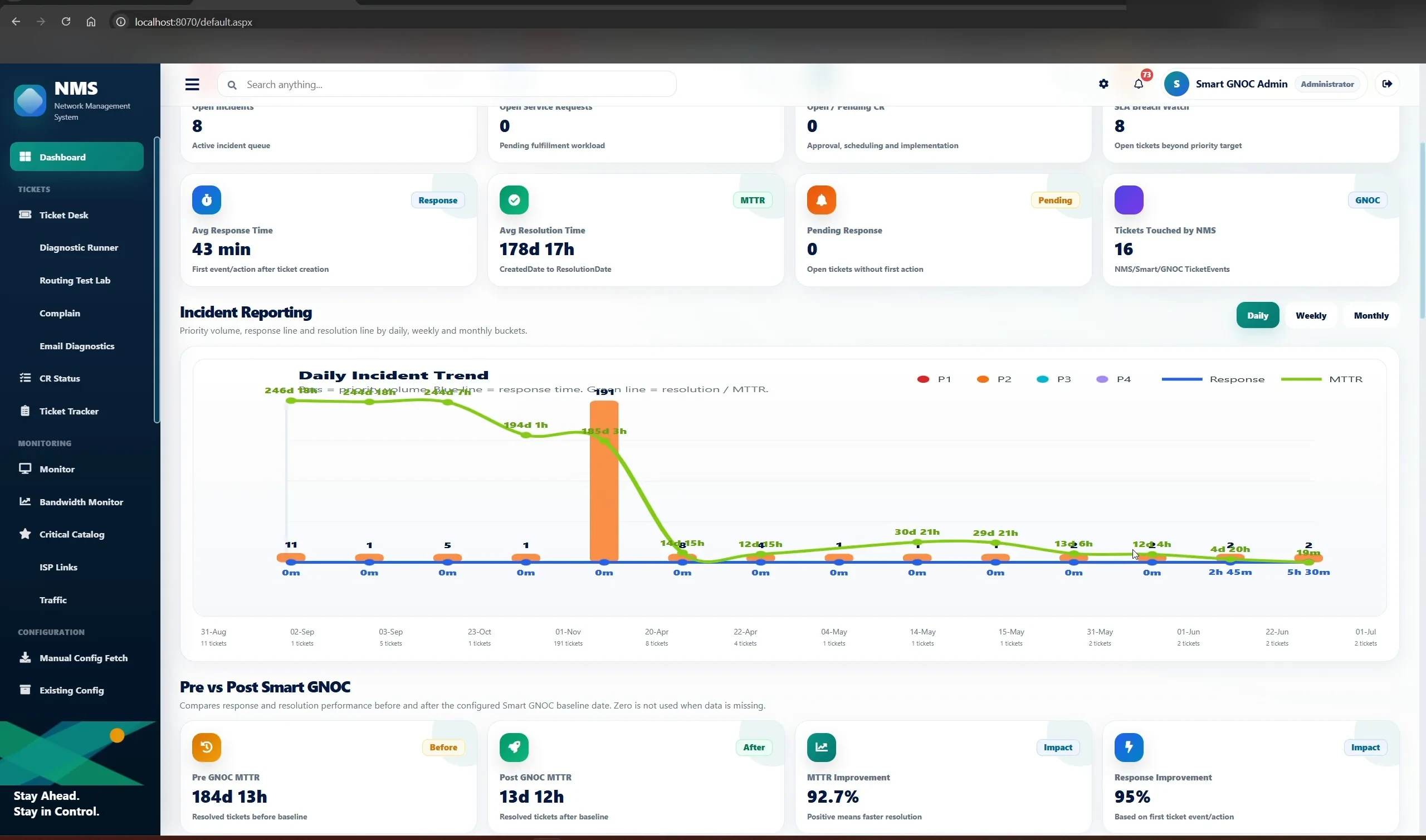
Watch how Smart GNOC connects incident evidence, network investigation, approval workflows and recorded actions—then explore each screen in detail.
24 workflow screens02 guided scenarios01 connected operational record
Explore the walkthrough ↓SMART GNOC / OPERATIONS VIEW
 FROM SIGNAL TO RESOLUTION ↗
01 / WATCH
See the workflow unfold.
Start with the guided video. Then explore the screenshots, investigation evidence and outcomes below.
VIDEO WALKTHROUGH
Watch Smart GNOC work
The video recording will appear here when published. Meanwhile, the complete interactive screenshot walkthrough is available below.
Explore the walkthrough ↓Video demonstrationVideo coming soon
02 / EXPLORE · SCENARIO ONE · 15 SCREENS
Incident → Network diagnosis → Service request → Change execution
Ticket enrichment, routing and ACL checks, supporting evidence, SR/CR traceability and controlled execution.
03 / EXPLORE · SCENARIO TWO · 9 SCREENS
Bandwidth investigation → Action → Audit → Impact
Bandwidth anomaly investigation, classification, operator-controlled action, command history, dashboard outcomes and stakeholder communication.
Demonstration screenshots illustrate example workflows. Actions requiring approval, third-party access or vendor integrations depend on deployment configuration and permissions.